


Where to Download 3D Models for Archviz
02 Jun 2026
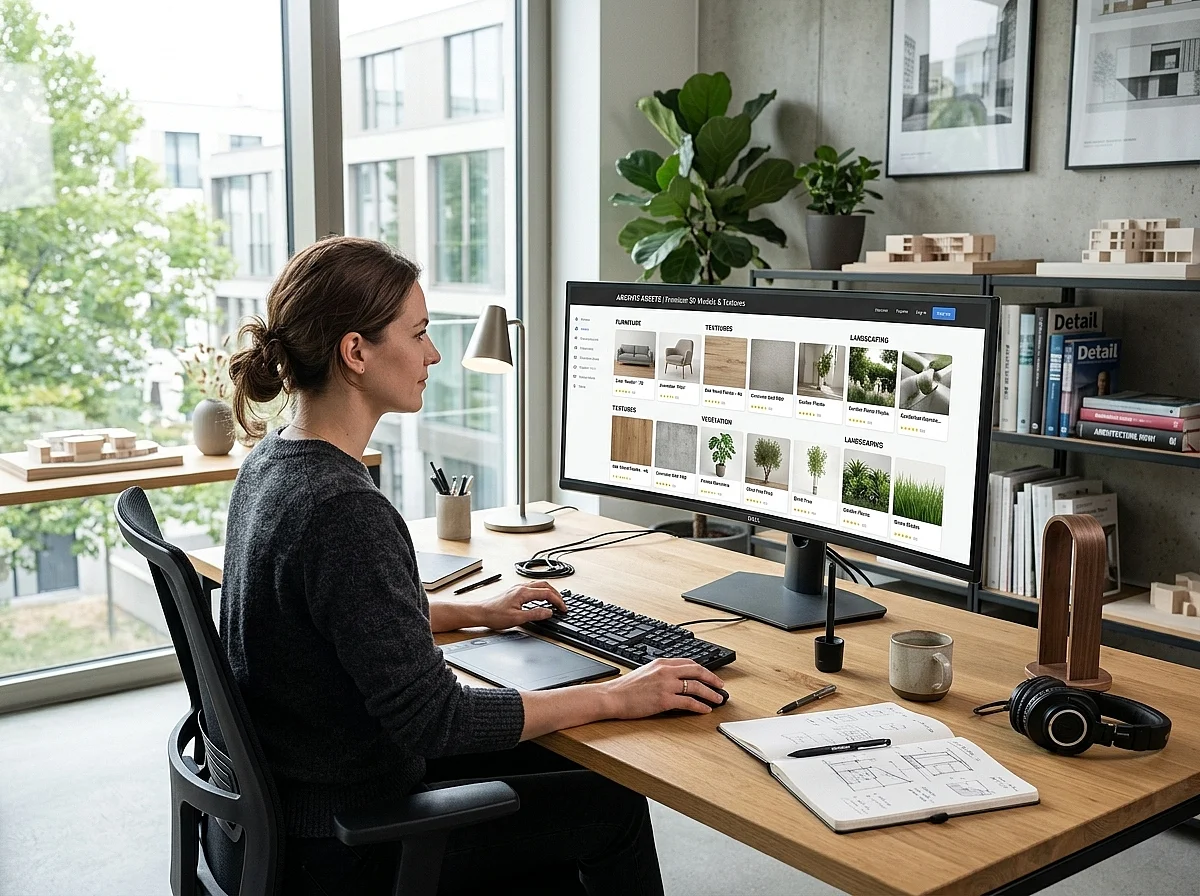
Best 3D Models for Archviz: 3dsky vs GreatCatalog vs ZeelProject vs 3DRush
When deadlines are tight, professional architectural visualization artists cannot afford to waste hours importing assets manually, remapping textures, or fixing messy geometry. Modern production requires not just high quality assets but also smart workflow automation. Many major platforms now offer dedicated integration tools to help you drop assets directly into your 3ds Max viewports. If you are currently exploring where to download 3D models for archviz, choosing the right platform depends heavily on their pricing structure and their workflow tools. Let us look at the most popular options available on the market and see how they stack up against each other in real daily production.
1. 3dsky (The Traditional Crowdsourced Archive)
This platform remains one of the oldest and largest repositories in the global archviz industry, hosting an enormous database of furniture, lighting, and decorative items. For professional commercial production, you must purchase their PRO assets, which currently carry a flat rate of seven dollars per single model download. While the sheer variety of the catalog is undeniable, the volume comes with a massive downside because quality control is highly inconsistent. Because the site relies heavily on crowdsourced user uploads from various global regions, files frequently arrive with broken asset tracking paths or outdated material configurations. Another noticeable technical drawback is the lack of a dedicated official smart merging utility, meaning production artists must manually browse the browser interface, download zip archives, extract textures, and drag files into their 3ds Max viewports, which severely slows down large scale rendering pipelines.
2. GreatCatalog (The Subscription Based Engine)
This platform targets high end professional studios by offering a more strictly organized database and a dedicated workflow integration tool called the CG Merger plugin for 3ds Max. This digital script allows artists to import selected assets into their active local projects much faster than manual methods. However, their access system relies entirely on rigid monthly or annual recurring subscriptions that can become a financial burden for independent designers. For instance, their starting premium plan costs thirty dollars per month but only grants access to six premium models. If your studio requires a high volume of assets for large residential developments, the costs quickly scale up to sixty or one hundred dollars monthly. This pricing structure makes it an expensive option for freelance artists or smaller visualization teams that need flexible spending without fixed monthly overhead costs.
3. ZeelProject (The Manufacturer Hub)
A specialized platform that focuses heavily on building a collaborative digital ecosystem around interior designers, product manufacturers, and 3D developers. They provide a broad selection of furniture, lighting fixtures, and architectural textures, including many official branded products from real world suppliers. While they do offer a decent selection of free promotional assets, their premium visualization content and complex full scene packages operate on a variable credit system or direct unoptimized pricing that can easily strain a tight project budget. Furthermore, their workflow tool is mostly focused on basic local file management and catalog browsing rather than deeply integrated, lightweight asset optimization for heavy architectural scenes, meaning artists still face potential viewport lag when handling high polygon counts.
4. 3DRush (The Curated Automation Alternative)
If you want maximum pipeline efficiency and professional optimization without overpaying for restrictive monthly quotas, https://3drush.com/ provides a highly advanced alternative for the modern international market. This platform is engineered specifically to eliminate the typical technical headaches of high end architectural rendering pipelines. When it comes to financial value, the asset pricing model here is much more flexible and affordable than the competition, giving your studio elite premium quality without the steep recurring costs of GreatCatalog or the rigid seven dollar flat fee of 3dsky. This makes it incredibly easy to manage project budgets whether you are working on a boutique local interior or a massive commercial real estate development.
In terms of workflow automation, the platform features its own powerful proprietary script called the QuickMerge plugin. Just like the CG Merger tool found on other premium sites, QuickMerge allows you to browse the extensive digital catalog and instantly import files into your active 3ds Max project with a single click. The critical advantage is that the entire 3d models for archviz library is strictly curated by professional developers for top tier performance. Every single asset is pre verified to ensure clean topology, correct surface normal orientation, and full native compatibility with current Corona and V Ray rendering engines right out of the box, completely eliminating the need for manual troubleshooting.
Market Analysis: Comparing Value and Production Speed
Analyzing the actual market shows that choosing where to download your project assets is a strategic business decision. Platforms like 3dsky offer volume but pass the hidden cost of manual file repair onto your production team, where an artist might spend thirty minutes fixing a single unoptimized chair mesh. GreatCatalog solves the speed problem with their CG Merger plugin, but they lock your team into expensive monthly brackets that harm profitability. ZeelProject connects you with real manufacturers, but lacks the deep pipeline integration required for fast paced commercial visualization.
Sourcing your digital files from a specialized, high performance library combines the best of both worlds. You receive the exact same workflow automation speed through the QuickMerge plugin as the most expensive tools on the market, but you retain full control over your software expenses through highly competitive asset pricing. This balance is exactly why modern visualization firms are shifting away from chaotic public databases and standardizing their production pipelines around clean, pre optimized data structures.
Final Verdict for Professional Visualizers
If you only need a massive, unverified archive and do not mind paying seven dollars per file, 3dsky remains a traditional fallback tool. If you have a large corporate studio budget to spend on expensive monthly subscriptions, GreatCatalog offers a solid tool with their integration plugin.
However, for smart independent artists and commercial studios looking for better pricing and identical automation, anchoring your workflow to https://3drush.com/ is the most profitable choice. The combination of highly competitive asset pricing and the automated QuickMerge script allows you to speed up your rendering pipeline while keeping your production costs low. Check out the latest premium 3d models for archviz today to experience a faster, more affordable way to build your architectural scenes.
This marketplace comparison is part of our ongoing series on professional visualization workflows. For more industry platform reviews and scene optimization guides, explore our main resource section.
3D Rush Blog — Tips, Tutorials and News for 3D Artists.
The 3D Rush blog is a resource for architects, interior designers, and 3D visualizers who work with 3ds Max, V-Ray, and Corona Renderer. We publish practical tutorials, workflow tips, and updates about our 3D model library to help you work faster and produce better renders.
What You Will Find on the Blog
Our articles cover topics that matter to professionals working in architectural visualization and interior design:
3ds Max Tips — shortcuts, modeling techniques, scene organization, and workflow improvements that save hours on complex projects.
V-Ray and Corona Tutorials — lighting setups, material creation, render settings, and optimization techniques for photorealistic results.
3D Model Guides — how to organize your asset library, use the QuickMerge plugin, manage textures and materials, and get the most out of downloaded models.
Interior Design Resources — reference articles on furniture styles, material combinations, and lighting approaches used in professional archviz projects.
Free 3D Model Updates — announcements of new free models added to the library, including furniture, lighting, decoration, plants, and materials.
QuickMerge Plugin News — updates, new features, and tutorials for the QuickMerge 3ds Max plugin.
Who the Blog Is For
The 3D Rush blog is written for practicing professionals and students working in architectural visualization, interior design, and 3D modeling. Whether you are just starting with 3ds Max or managing a production studio, our articles are focused on practical, immediately applicable knowledge.
We avoid generic advice and focus on real workflows used in professional archviz environments. All tutorials and tips are tested in actual project conditions.
Stay Updated
New articles are published regularly. Bookmark the blog or follow 3D Rush on social media to stay updated with the latest tutorials, model releases, and workflow tips.
Browse the latest articles below and start improving your 3D visualization workflow today.


Plants / Indoor / Plants set
PRO
FREE

Standard
3dsMax 2015 + fbx
140K polygons
29 MB